GitHub Store: an Open Source app store
Have you ever spent twenty minutes digging through GitHub release pages trying to figure out which file to download? The .dmg? The .pkg? The arm64 or the x86_64? And after picking wrong, you start all over again?
Yeah. Me too. We’ve all been there. 🌰
The problem we didn’t know we had
There’s a strange paradox in the open source ecosystem: the best apps in the world are free, auditable, maintained by communities of people who chose to contribute out of pure conviction — and yet they’re harder to install than anything you find on a corporate App Store wrapped in a monthly subscription.

Apple’s App Store gives you a pretty interface, an install button, and takes 30% of everything. GitHub gives you access to the source code of practically anything in the software universe and then abandons you on a release page with eleven cryptically named files. It’s the radical democracy of free software: you have the right to install. Good luck figuring out how.
GitHub Store arrived to solve exactly that — and in a way that makes you feel a little silly for not thinking of it first.
What is GitHub Store?
GitHub Store is an open source app that works like an app store built on top of GitHub’s public releases. Instead of you digging through repository after repository, it does that work for you: it automatically detects installable binaries, filters by platform, shows what’s relevant for your operating system, and offers one-click installation.
It works on macOS, Android, Linux, and Windows. Built with Kotlin Multiplatform and Compose — which technically means the same codebase runs everywhere without losing its identity. (I’ll learn that someday…)
The features that caught my attention:
- Discovery sections with “Trending”, “Hot Release”, and “Most Popular”, with time filters;
- Automatic detection of compatible binaries for your platform — no guessing required;
- Installation history with update alerts for apps you’ve already installed;
- README.MD rendered inside the app, so you read the “about this project” section without leaving the store;
- Release picker support to install specific versions, not just the latest;
- 12 languages, including Portuguese. Someone remembered Brazil.
The detail that caught me off guard
The project has 7,800 stars on GitHub, 48,000 active users, zero ads, zero tracking, zero freemium model — and it was built and is maintained by someone who was still finishing high school when I wrote this post.
Let that sink in for a second.
While plenty of people from my generation were learning to write Hello World in BASIC on a computer that heated up the whole room, this guy was building a cross-platform app with clean architecture, internationalization in 12 languages, and a user base in the tens of thousands.
(I’m going to pretend I’m not a little jealous right now.)
Free software is still a political act
There’s something I appreciate philosophically about GitHub Store beyond its practical utility: it’s an act of refusal. Refusal of the walled garden, of the app store that decides what you can or can’t install, of the model where software distribution has itself become a product.
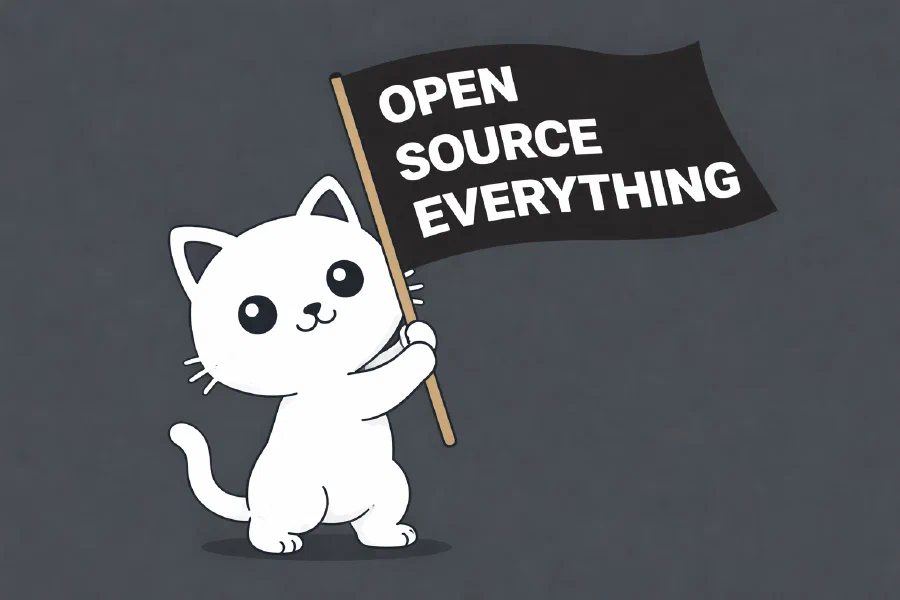
The project’s README.MD carries a notice that blends functionality with stance — about how Android open source is under threat and how Google could turn the platform into a closed environment, restricting your freedom to install whatever .apk you want.
It might sound dramatic. But the history of software over the last twenty years is basically the story of open ecosystems being gradually closed by companies that discovered controlling distribution is just as profitable as creating the product. The App Store, the Google Play Store, terms of service that change when you’re not looking.
GitHub Store won’t change that on its own. But it’s the kind of project that, multiplied by a thousand, starts to create a real alternative.
OK, but how do I install it?
The official website is at: https://github-store.org/

On macOS, go to the official site and download the .dmg. On first launch, macOS will complain that it doesn’t recognize the developer — because the app isn’t notarized by Apple and probably never will be, given that the whole point is to not depend on Apple to exist.
To allow it: Open Finder, locate the file and Right-click -> Services -> Unquarantine.
On Android, it’s available directly from GitHub releases (via .APK) or through F-Droid:
https://f-droid.org/en/packages/zed.rainxch.githubstore/
Official repository:
https://github.com/OpenHub-Store/GitHub-Store
On iPhone: sorry.
An honest note
The app isn’t at version 2.0 yet. Some projects show up, others don’t — discovery depends on how repositories are indexed via the GitHub API, so don’t expect to find absolutely everything out there. And automatic curation has its limits: you might come across a project abandoned three years ago looking identical to an active one.
But for what it promises to do — centralize, filter, and install open source apps without making you feel like an archaeologist — it delivers very well. And considering the alternative was you manually opening each release page and guessing which file fits which chip, the bar of comparison isn’t exactly high.
The open source ecosystem has deserved a store like this for a long time.
Finally, someone under 20 solved the problem that adults kept complaining about.
I take back everything I ever said about Gen Z.
